Let's be honest, your DevOps budget is probably bleeding money faster than a leaky faucet. OOPS! But here's the thing: you're not alone. Most development teams throw cash at DevOps tools without seeing real returns, then wonder why their deployment process still feels like herding cats.
The good news? You don't need to completely overhaul your entire infrastructure to see massive savings. Sometimes the biggest wins come from the smallest changes. Today, we're diving into five automation hacks that actually move the needle, no MBA required, no enterprise sales calls, just real solutions that work.
Why Your Current DevOps Strategy Is Costing You Big
Before we jump into the fixes, let's talk about what's draining your wallet. Manual deployments, fragmented toolchains, and configuration drift aren't just annoying, they're expensive. Every manual step means paying someone to do what a computer could handle in seconds. Every tool integration means licensing fees, training costs, and maintenance overhead.
The real kicker? Human error. One misconfigured server can cost thousands in downtime, and trust me, it happens more often than anyone wants to admit.
Hack #1: Consolidate Your CI/CD Pipeline (Stop Tool Shopping)
Here's where most teams go wrong: they treat CI/CD like a shopping spree. Jenkins for builds, CircleCI for testing, some custom scripts for deployment, and suddenly you're managing more integrations than a startup has pivots.
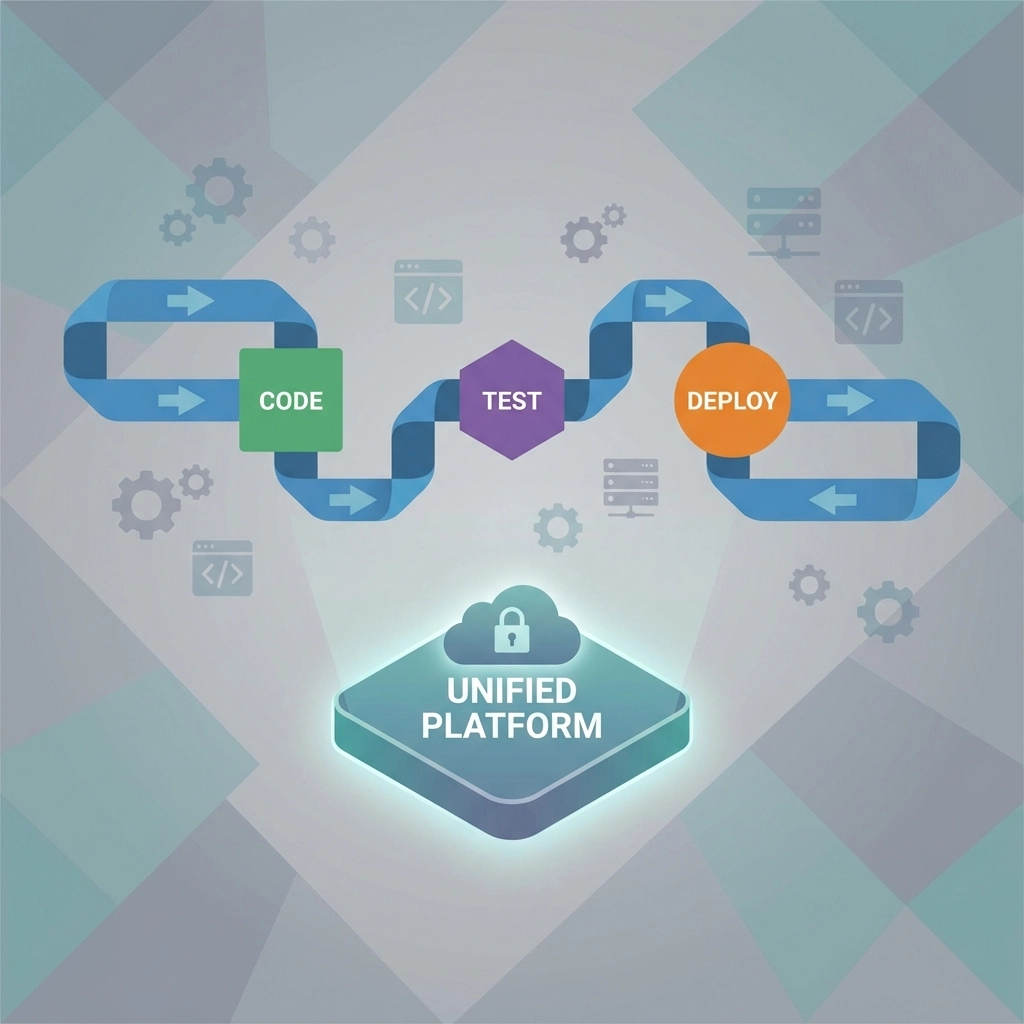
The fix is simpler than you think: pick one platform and stick with it.
GitHub Actions and GitLab CI/CD have evolved into powerhouses that handle everything from code commits to production deployments. GitLab's Auto DevOps feature is particularly brilliant; it looks at your project and automatically creates intelligent pipelines without you lifting a finger.
What this saves you:
- Multiple licensing fees (easily $200-500 per month for small teams)
- Integration maintenance time (2-4 hours per week)
- Training overhead when onboarding new developers
- Context switching between different interfaces
Quick win: Start with your next project. Set up the entire pipeline in GitHub Actions or GitLab CI/CD instead of piecing together separate tools. You'll be surprised how much you can accomplish with built-in features.
Hack #2: Embrace Infrastructure as Code (IaC) Yesterday
If you're still clicking through cloud consoles to set up servers, OOPS: you're doing it the expensive way! Infrastructure as Code isn't just a buzzword; it's your ticket to consistent, repeatable, and cost-effective infrastructure management.
Terraform and OpenTofu are your new best friends. OpenTofu especially shines with its massive ecosystem of 3,900+ providers and 23,600 modules. That means someone has probably already solved your exact infrastructure challenge.
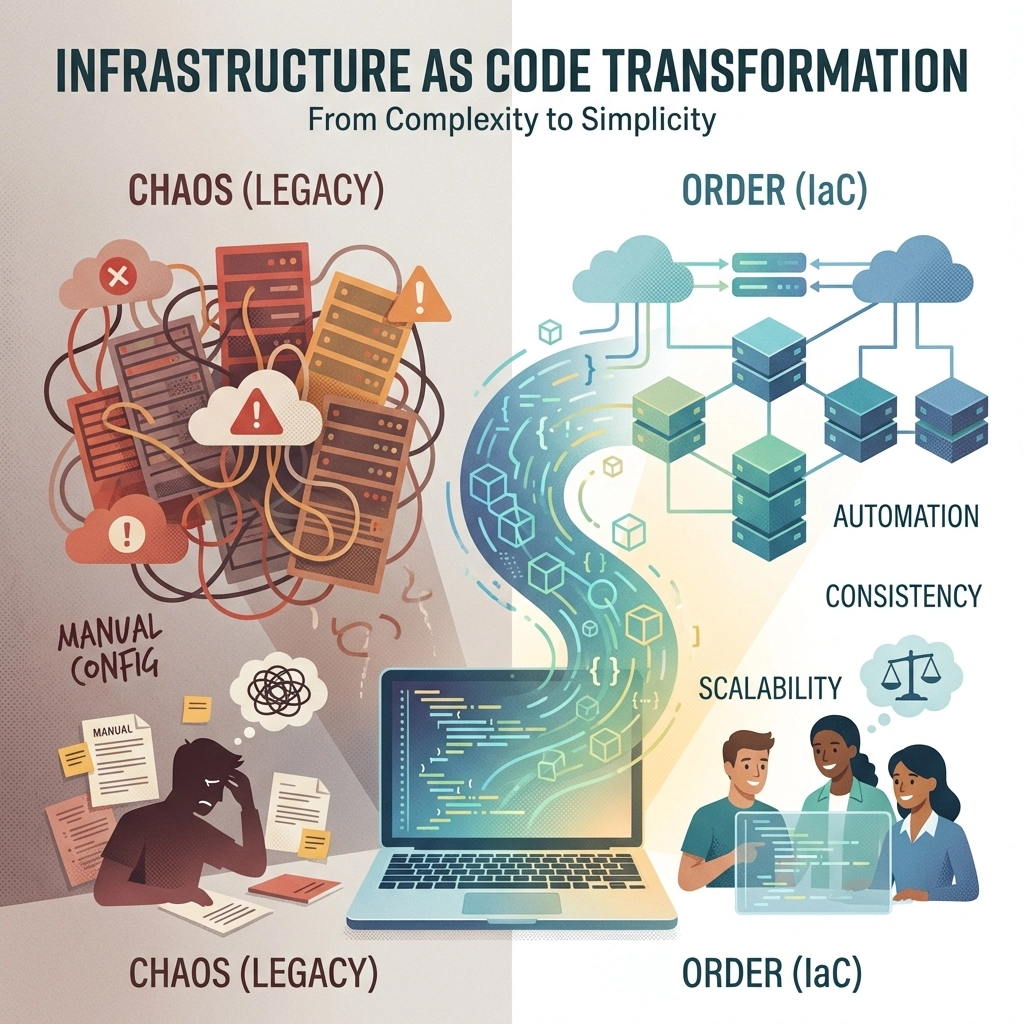
Real-world example: Instead of spending 2 hours manually configuring a new environment (and potentially getting it wrong), write the Terraform configuration once and deploy it in 10 minutes every time. Perfect consistency, zero human error.
What this eliminates:
- Configuration drift (when servers slowly become different from each other)
- Manual setup time for new environments
- "It works on my machine" syndrome
- Expensive emergency fixes from misconfigured infrastructure
Pro tip: Start small. Pick one piece of your infrastructure: maybe your staging environment, and convert it to Terraform. Once you see how smoothly it works, you'll want to automate everything.
Hack #3: Standardize Configuration Management (End the Snowflake Servers)
Every manually configured server is a unique snowflake: beautiful in its own way, but impossible to reproduce and extremely fragile. Configuration management tools like Ansible, Chef, or Puppet turn your snowflakes into identical copies.
Ansible wins the simplicity contest with its agentless architecture. No extra software to install, no additional security concerns: just simple YAML files that describe how your servers should look.
Here's what standardization actually means for your wallet:
- Faster server provisioning (minutes instead of hours)
- Reduced security vulnerabilities from inconsistent configurations
- Easier troubleshooting when everything is identical
- Less time spent on "server archaeology" when something breaks

Getting started: Create an Ansible playbook for your most common server setup. Maybe it's your web server configuration with all the right packages, security settings, and application code. Run it once, and you'll never manually configure that type of server again.
Hack #4: Write Simple Scripts for Custom Logic
Sometimes the best automation tool is the one you already know. Bash, Python, and PowerShell scripts might not be as fancy as enterprise platforms, but they handle your specific workflow needs without licensing fees or vendor lock-in.
The beauty of custom scripts:
- Zero licensing costs
- Perfect fit for your exact processes
- Easy to modify when requirements change
- Fast execution with no overhead
Common script wins:
- Database backup automation
- Log rotation and cleanup
- Custom deployment checks
- Environment setup for new developers
- Automated testing of specific business logic

Quick example: A simple Python script that checks all your services and sends a Slack message if anything is down. Takes 30 minutes to write, saves hours of manual monitoring, and costs nothing to run.
Remember: Your custom scripts don't need to be perfect. They just need to be better than doing things manually. Start with the task that annoys you most, and automate that first.
Hack #5: Choose Platforms with Built-in Observability
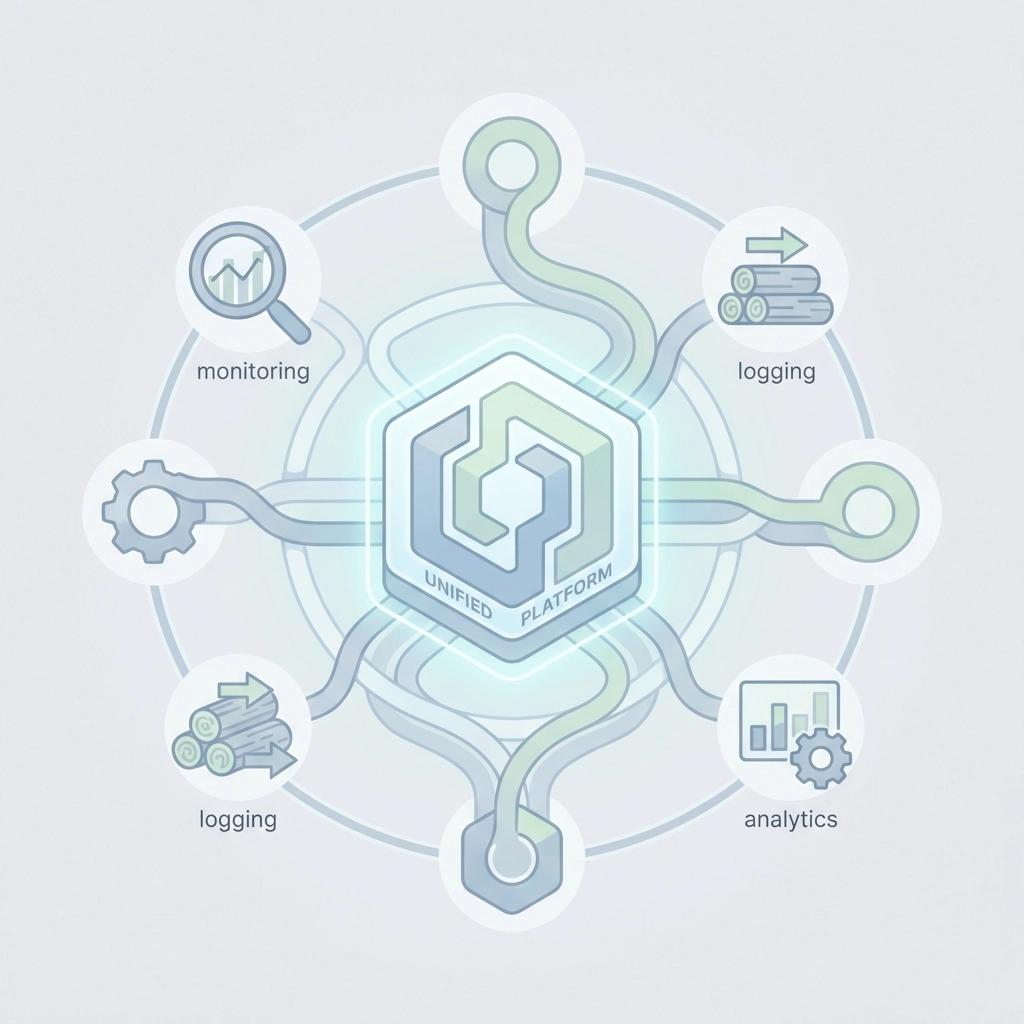
Tool sprawl is a budget killer. When you're paying for separate monitoring, logging, alerting, and analytics platforms, those monthly fees add up faster than coffee shop visits. The smart move? Pick platforms that combine multiple functions.
What to look for:
- Built-in monitoring and alerting
- Integrated log management
- Performance analytics included
- Unified dashboards across all functions
This isn't just about saving money: it's about saving mental energy. When everything lives in one place, your team spends less time switching contexts and more time actually fixing problems.
The hidden cost savings:
- Reduced training time (one interface to learn)
- Fewer integration points to maintain
- Single vendor relationship to manage
- Consolidated billing and easier budget tracking
Your Action Plan: Start This Week
Don't try to implement everything at once. Pick the hack that addresses your biggest pain point and start there. Maybe you're tired of manual deployments (start with CI/CD consolidation) or you're spending too much on separate tools (explore integrated platforms).
Week 1: Audit your current tool spending and identify redundancies
Week 2: Pick your first automation target
Week 3: Implement and test
Week 4: Measure the time and cost savings
The goal isn't perfection: it's progress. Every manual process you automate is money back in your pocket and time back in your day.
Your DevOps budget doesn't have to be a black hole. With these five automation hacks, you can cut costs, reduce errors, and actually enjoy your deployment process. The best part? You can start implementing them today without any major infrastructure changes.
Ready to stop throwing money at DevOps problems and start solving them? Pick one hack and get started. Your future self (and your budget) will thank you.